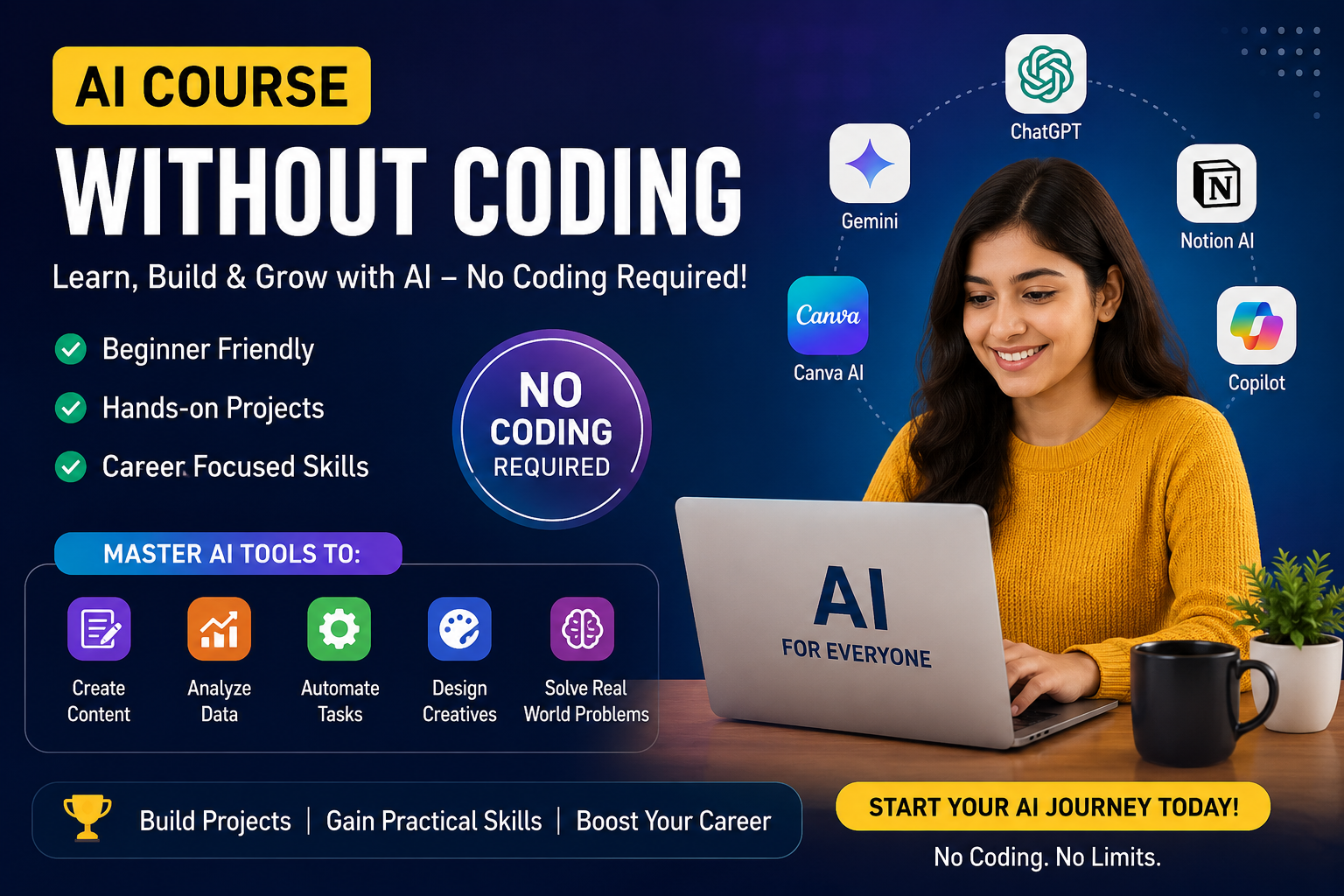
How to Start Learning Artificial Intelligence Without Coding (Complete Beginner's Guide for 2026)
Artificial Intelligence (AI) is no longer reserved for software engineers or data scientists. In 2026, anyone can learn AI without writing a single line of code. Thanks to modern AI platforms like ChatGPT, Google Gemini, Claude, Microsoft Copilot, Canva AI, and other no-code tools, students, business owners, marketers, teachers, and professionals can use AI to automate work, create content, and improve productivity.
If you've ever thought, "I'm not from a programming background, can I still learn AI?" the answer is yes. This guide explains how to start learning Artificial Intelligence without coding, the skills you should focus on, the best AI tools to use, and how to build practical experience that can help your career.
What Artificial Intelligence Really Means
Before exploring AI tools, it's important to understand what Artificial Intelligence means in simple, practical terms.
AI refers to computer systems that can perform tasks that normally require human intelligence, such as:
- Understanding language
- Answering questions
- Writing content
- Creating images
- Translating languages
- Summarizing documents
- Analyzing data
- Making recommendations
Why Learning AI Matters in 2026
Artificial Intelligence has become one of the most valuable skills across industries. Businesses are integrating AI into customer support, marketing, finance, healthcare, education, and operations. Organizations now look for professionals who understand how to use AI effectively.
Save Hours Every Week
AI automates repetitive tasks, freeing you to focus on strategic work that actually matters.
Skills Employers Want
AI literacy is increasingly valued across every profession and industry sector.
Lifelong Learning
Understanding AI prepares you for a rapidly evolving workplace and future opportunities.
Solve Problems Faster
AI becomes a thinking partner for brainstorming, research, and creative projects.
Step 1: Understand AI Concepts Without Complex Math
- What AI can and cannot do
- How AI learns from examples
- Common uses of AI in business
- Limitations and biases in AI
- How AI improves productivity
You don't need advanced mathematics to work with AI. Understanding what problems AI solves and which tools to use is far more valuable than knowing the underlying math.
Step 2: Master Prompt Engineering
Prompt Engineering is one of the most valuable AI skills today. A prompt is simply the instruction you give an AI model. Instead of coding, you learn how to communicate with AI effectively to get better results.
| Weak Prompt | Strong Prompt |
|---|---|
| Write about marketing. | Write a 700-word SEO blog post about digital marketing trends for small businesses in India. Use simple language and include 3 headings. |
| Create a presentation. | Create a professional 10-slide presentation outline about Q3 sales performance, including data insights and next quarter recommendations. |
| Help me with research. | Summarize the top 5 trends in AI automation for customer support in 2026, with specific examples and statistics. |
The better your prompts, the better the AI's output. Prompt engineering is becoming an essential workplace skill for professionals across industries.
Step 3: Explore Popular No-Code AI Tools
Modern AI tools allow anyone to create professional work without programming. Here are the most useful platforms for beginners:
ChatGPT
Content writing, coding assistance, research, brainstorming, email writing, and summaries.
Google Gemini
Productivity tasks, research, Google Workspace integration, and document analysis.
Claude
Long-form writing, document analysis, business reports, and detailed explanations.
Microsoft Copilot
Excel automation, Word documents, PowerPoint presentations, and Office integration.
Canva AI
Posters, presentations, social media graphics, and marketing creatives in minutes.
Notion AI
Notes, meeting summaries, project planning, and knowledge management.
Learning these tools provides practical AI experience that employers increasingly value.
Step 4: Practice Using AI Every Day
The best way to learn AI is by using it daily in practical situations. Consistency builds confidence and deepens your understanding of what each tool can do.
- ✓Writing Blog Posts — draft articles, then edit and improve AI-generated content.
- ✓Creating Presentations — build slides from outlines or ideas using AI.
- ✓Designing Social Media Content — create graphics and captions automatically.
- ✓Summarizing Documents — extract key insights from long PDFs or articles.
- ✓Brainstorming Business Ideas — use AI as a thinking partner to explore concepts.
- ✓Drafting Marketing Copy — create campaign content and social posts quickly.
Step 5: Learn AI Through Real Projects
Theory alone isn't enough. Building practical projects demonstrates your skills better than certificates alone and gives you real experience using AI.
- AI-powered resumes and cover letters
- Business proposals using AI
- Marketing campaign strategies
- Content calendars and schedules
- AI-generated presentations
- SEO blog articles
- Customer support workflows
- Chatbot responses and FAQs
- Social media content batches
- Research summaries
- Business automation ideas
- Productivity optimization plans
Step 6: Understand AI Ethics and Responsible Use
Responsible AI use is essential for maintaining trust and credibility in your professional work.
- Verify AI-generated information before sharing it
- Protect confidential and personal data
- Be transparent when AI is used in professional work
- Avoid plagiarism by reviewing and editing AI content
- Respect copyright and intellectual property
Step 7: Build an AI Portfolio
Create a portfolio showcasing your AI work. A portfolio helps demonstrate your practical abilities to employers and clients far better than just listing skills on a resume.
- Blog articles you've created or improved with AI
- AI-generated presentations and decks
- Marketing campaigns and content you've developed
- Prompt libraries showing your best work
- Automation workflows you've set up
- Business reports and analysis projects
- Creative designs and visual projects
A strong portfolio opens doors far more effectively than certificates alone.
Career Opportunities After Learning AI
AI skills are valuable across many roles and industries. No matter your profession, understanding AI makes you more valuable to employers.
| Career Path | How AI Skills Help |
|---|---|
| Digital Marketing | Create campaigns, analyze data, automate workflows |
| Content Writing | Draft faster, improve quality, research efficiently |
| Business Analysis | Process data quickly, create reports, find insights |
| HR & Recruitment | Screen resumes, draft job descriptions, conduct interviews |
| Sales & Customer Support | Automate responses, qualify leads, improve follow-ups |
| Project Management | Schedule optimization, risk analysis, communication |
| Graphic Design | Generate ideas, create variations, improve workflows |
| Education & Training | Create lesson plans, personalize learning, assess work |
Common Mistakes Beginners Make (And How to Avoid Them)
- Thinking AI requires programming — False. Most AI tools are designed for non-programmers.
- Using only one AI tool — Different tools have different strengths. Explore several.
- Copying AI output without editing — Always fact-check and personalize AI-generated content.
- Learning theory without applying it — Practice and projects are more valuable than knowledge alone.
- Ignoring prompt-writing skills — Prompts are the foundation of getting good AI results.
- Not building a portfolio — Portfolios demonstrate skills better than certificates.
FAQs
1. Can I really learn Artificial Intelligence without coding?
Yes. Many AI tools are designed for non-programmers and can be used effectively without writing code. Most modern AI platforms have user-friendly interfaces.
2. Which AI tool is best for beginners?
ChatGPT is a popular starting point because it supports writing, brainstorming, research, and learning through natural language prompts. It's free to try and very beginner-friendly.
3. How long does it take to learn AI basics?
With regular practice, most beginners can become comfortable using AI tools within 2-4 weeks. Mastery takes longer, but practical skills develop quickly.
4. Is AI a good career skill in 2026?
Yes. AI literacy is increasingly valued across industries, making it a valuable skill for students and professionals in virtually every field.
5. Do I need mathematics to use AI tools?
No. While mathematics is important for developing AI models, everyday use of AI tools generally does not require advanced math knowledge.
6. What should I build in my AI portfolio?
Include your best examples of AI-assisted work: blog posts, presentations, marketing campaigns, designs, reports, and any projects that demonstrate your skills effectively.
Learn No-Code Generative AI Today
Join thousands of learners who've mastered AI without coding. Share your details and our team will guide you through the right learning path.
No Coding Required
Designed for complete beginners with no technical background
Hands-On Training
Work with real business use cases and practical projects
Expert Mentorship
Get guidance from instructors who use these tools daily
Portfolio Building
Create work samples that help you land jobs or clients
Final Thoughts
Artificial Intelligence is transforming the way we learn, work, and solve problems. The good news is that you don't need a computer science degree or programming experience to get started.
By understanding AI concepts, mastering prompt engineering, using modern no-code AI tools, and building practical projects, you can develop valuable skills that support your academic, professional, and personal goals.
The key is to begin with curiosity, practice consistently, and apply AI to real-world tasks. Every project you complete will build confidence and prepare you for the AI-driven workplace of tomorrow. There's no better time to start learning Artificial Intelligence — without coding.
Ready to Transform Your Career with AI?
iSaral Gurukula helps students, professionals, and entrepreneurs master Generative AI without coding. Our practical, hands-on training prepares you for today's job market and tomorrow's opportunities.
Talk to an AI Learning Advisor
Get personalized guidance on the best learning path for your goals and background.
Learn with Expert Mentors
Join cohort-based courses with hands-on projects and community support.