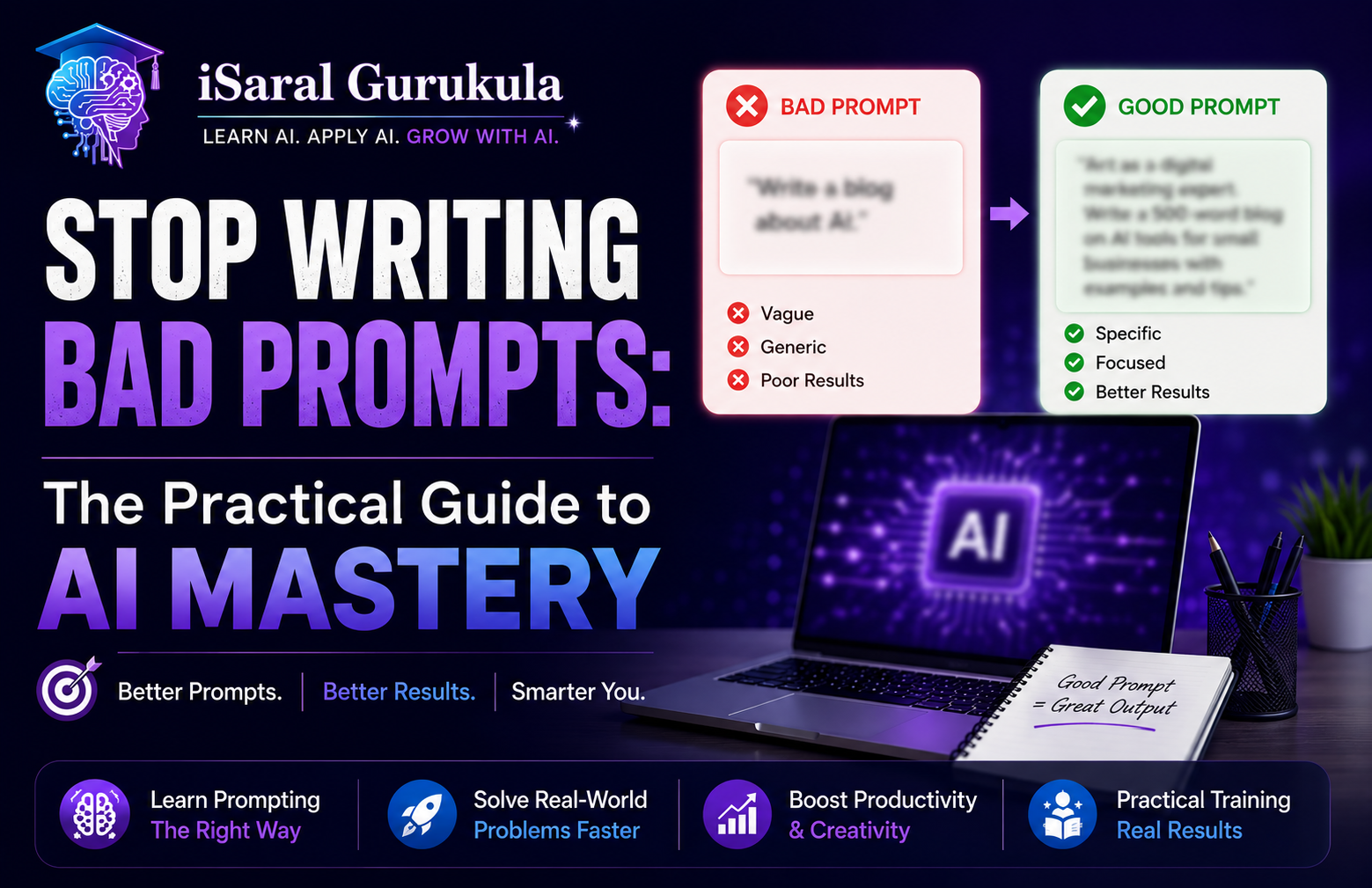
You're using ChatGPT or Claude every day. But between mediocre outputs and hours spent refining prompts, you're leaving serious productivity on the table. The problem isn't the tool—it's how you're talking to it.
Most people treat AI like a glorified search engine. They type a quick question, get a vague response, and assume the tool isn't powerful enough. But here's the secret that changes everything: AI models are mirrors. They reflect the quality of instruction they receive. If you ask "Help me with my business," you get a generic pep talk. If you provide context, constraints, and a clear role, you get an actionable strategy.
- Why vague prompts produce middle-of-the-road outputs every single time
- The RCTFC framework that transforms your results overnight
- How to humanize AI content so it doesn't feel robotic
- The hidden pitfalls that sabotage even experienced users
- Advanced techniques like Chain of Thought and Few-Shot prompting
- How to fact-check and avoid the hallucination trap
Why Your Prompts Are Failing
The Mathematical Truth Behind Vague Instructions
When you ask an AI model a vague question, it's mathematically forced into the safest guess it can make. That safe guess is usually somewhere in the middle—generic, inoffensive, and completely forgettable.
Think about it: if you ask "Help me write about productivity," the model has to choose from millions of possible responses. Without constraints, it defaults to the statistical average of everything it's been trained on. The result? You get a response that could have been written by anyone, for anyone, and helps nobody specifically.
Vague instructions lead to "middle-of-the-road" responses because, mathematically, that is the safest guess the model can make. Specificity is what separates a generic, unusable output from one that actually moves your business forward.
The Three Mistakes Most Users Make
No Role Definition
Starting with "Help me" puts the AI in generic mode. You're not getting the perspective of an expert—you're getting the statistical average of thousands of internet articles.
Missing Context
AI doesn't know your business, your team size, or your specific bottlenecks. You have to teach it. Without context, it's guessing in the dark.
No Output Constraints
Don't ask for "a report." Ask for "a bulleted checklist under 300 words that I can paste into Slack." Constraints force the AI to be concise and relevant.
The RCTFC Framework: Train Your AI Like You'd Train a New Hire
The Five-Part Method That Changes Everything
Think about how you'd onboard a new employee. You wouldn't just say "help with my business." You'd give them a role, teach them about your organization, explain the task, show them the format you want, and set clear constraints. The RCTFC framework is exactly that process.
Step 1: Role—Define the Identity
Never start with "Help me." Start with "You are..." By giving the AI a professional identity, you shift its entire mental model. Compare these two prompts:
| Weak Prompt | Strong Prompt |
|---|---|
| Help me with a strategy | You are a senior operations manager with 15 years of experience in scaling SaaS startups. Based on that expertise, help me with a strategy. |
| Write an email | You are a direct but empathetic sales director known for cutting through noise. Write an email to [client] about [topic]. |
The role defines vocabulary, depth of analysis, and tone. A "senior operations manager" will think differently than a "business consultant."
Step 2: Context—The "Why" and the "Who"
AI lacks the context of your business life. Tell it:
- Your team size and structure
- Your current revenue (or stage)
- Your specific bottlenecks
- What's already been tried
- Who your audience is
"We're a 5-person B2B SaaS team, $200K ARR. Our biggest bottleneck is that sales and ops aren't aligned—reps log inconsistent data, and we can't forecast accurately."
Step 3: Task—What You Actually Need
Be explicit about what you're asking for. "Give me a strategy" is vague. "Create a 30-day playbook to improve data consistency" is clear.
Step 4: Format—How You'll Use It
Tell the AI the exact format you need: "Bulleted checklist," "Markdown table," "Numbered steps," "Slack-friendly short version." Format shapes quality.
Step 5: Constraints—The Guardrails
Give the AI rules: "No fluff," "Under 500 words," "Avoid technical jargon," "Make it actionable, not theoretical." Constraints force specificity.
Humanizing Your AI Content
Why AI Output Feels "Gray" and How to Fix It
The biggest complaint about AI content is that it lacks soul. Even with a perfect RCTFC prompt, you still need to add the human touch. Here's how:
Use Personal Anecdotes
AI doesn't have a life. You do. If you're writing about productivity, mention that one Tuesday when your coffee machine broke and you realized that a "perfect morning routine" is a myth. That vulnerability builds trust in a way generic advice never can.
Vary Your Sentence Length
AI tends to write sentences of similar lengths, creating a robotic rhythm. To sound human, mix it up. Short sentences pack a punch. Longer, flowing sentences work better for complex ideas. This variation signals that a real person wrote it.
Ask for "Vibe"
Instead of just a role, give the AI a vibe: "Write with the warmth of a mentor but the directness of a coach." Or "Sound like you're explaining this to a friend, not a client." Vibe guidance shapes tone in ways role descriptions don't.
The Hidden Pitfalls That Sabotage Even Good Prompts
What Can Go Wrong (and How to Fix It)
Prompt Drift: The Longer the Conversation, the Further You Drift
As a conversation grows, AI gradually loses track of your original instructions. It might stop following your "no jargon" rule or forget the persona you assigned. To fix this, periodically re-anchor the AI by reminding it of its role or starting a fresh session for new tasks.
AI models are built on probability, not facts. They can sound confident while being completely wrong. This is particularly dangerous for statistics, legal citations, or technical specs. Always treat AI output as a draft requiring human verification. Never skip the fact-checking phase.
The "One-Shot" Fallacy
Many users abandon a tool because the first response wasn't perfect. This is a critical productivity mistake. In a professional setting, you'd never expect a human assistant to produce final-ready work without feedback. Prompting is a conversation, not a transaction. The real magic happens in the follow-up prompts where you refine and steer toward the ideal output.
Advanced Prompting Strategies for Complex Work
Techniques That Mimic Expert Thinking
Chain of Thought Prompting
Instead of asking for a final answer, ask the AI to "think step by step" first. This forces the model to articulate its reasoning, which dramatically reduces errors in logic and math. Essential for complex business strategy or troubleshooting where the "how" is just as important as the "what."
Example Chain of Thought
"Walk me through your thinking on this. First, identify the core bottleneck. Then, rank the three highest-impact solutions. Finally, explain why you'd prioritize them in that order."
Few-Shot Prompting
If you want the AI to write in your specific style, don't just describe it—show it. Few-shot prompting involves providing 2-3 examples of your previous work before giving the new task. The AI picks up on rhythm, vocabulary, and formatting far better than a simple descriptive prompt.
"Here are three examples of emails I've written that my clients loved. Now, using that same style and tone, draft a follow-up email for [situation]."
Iterative Refinement and Self-Critique
Instead of writing a second prompt yourself, ask the AI to improve its own work. Use instructions like: "Critique your previous response for clarity and tone, then rewrite it to be more persuasive." You can also use iterative refinement to adapt content for different platforms: "Take this blog post and rewrite the core message as a LinkedIn post for a technical audience."
SEO & Quality: Making Sure Your AI Content Gets Seen (and Trusted)
Bridging the Gap Between AI Efficiency and Google's Standards
If you want your AI-powered content to rank, you need to bridge the gap between AI efficiency and Google's E-E-A-T (Experience, Expertise, Authoritativeness, and Trustworthiness).
Three Non-Negotiables
- 1 Keyword Placement: Your primary keyword should appear in the first 100 words and at least one H2 header. AI does this naturally if you include it in your prompt.
- 2 External Links: AI can't always provide the most current, high-authority links. Manually add links to reputable sources to build trust with search engines and readers.
- 3 Fact-Checking: AI can hallucinate. Never blindly copy-paste statistics or dates. Always verify before publishing.
Always review the AI output. Use your own unique insights to add the "Experience" part of E-E-A-T. That personal touch is what makes the difference between content that ranks and content that disappears.
The Prompt Engineering Playbook
50+ ready-to-use prompts, the complete RCTFC framework with templates, advanced strategies, and fact-checking checklists sent directly to your inbox.
50+ Production-Ready Prompts
For writing, analysis, coding, and strategy
RCTFC Framework Templates
Fill-in-the-blank structures for every task
Advanced Techniques Guide
Chain of Thought, Few-Shot, and Iterative Refinement
Fact-Checking & Quality Checklist
Never ship hallucinated content again
Your New Superpower
Prompt engineering isn't about learning a programming language—it's about learning how to be a better communicator. By using the RCTFC framework, you're bridging the gap between human creativity and machine efficiency.
You don't need a computer science degree to master AI. You just need to know how to ask the right questions. So the next time you open that chat box, remember: Role, Context, Task, Format, and Constraints. Start experimenting with these templates today, and watch how your productivity transforms. The AI revolution isn't coming—it's here. The only question is whether you'll be the one commanding it or watching it pass you by.
Happy prompting.