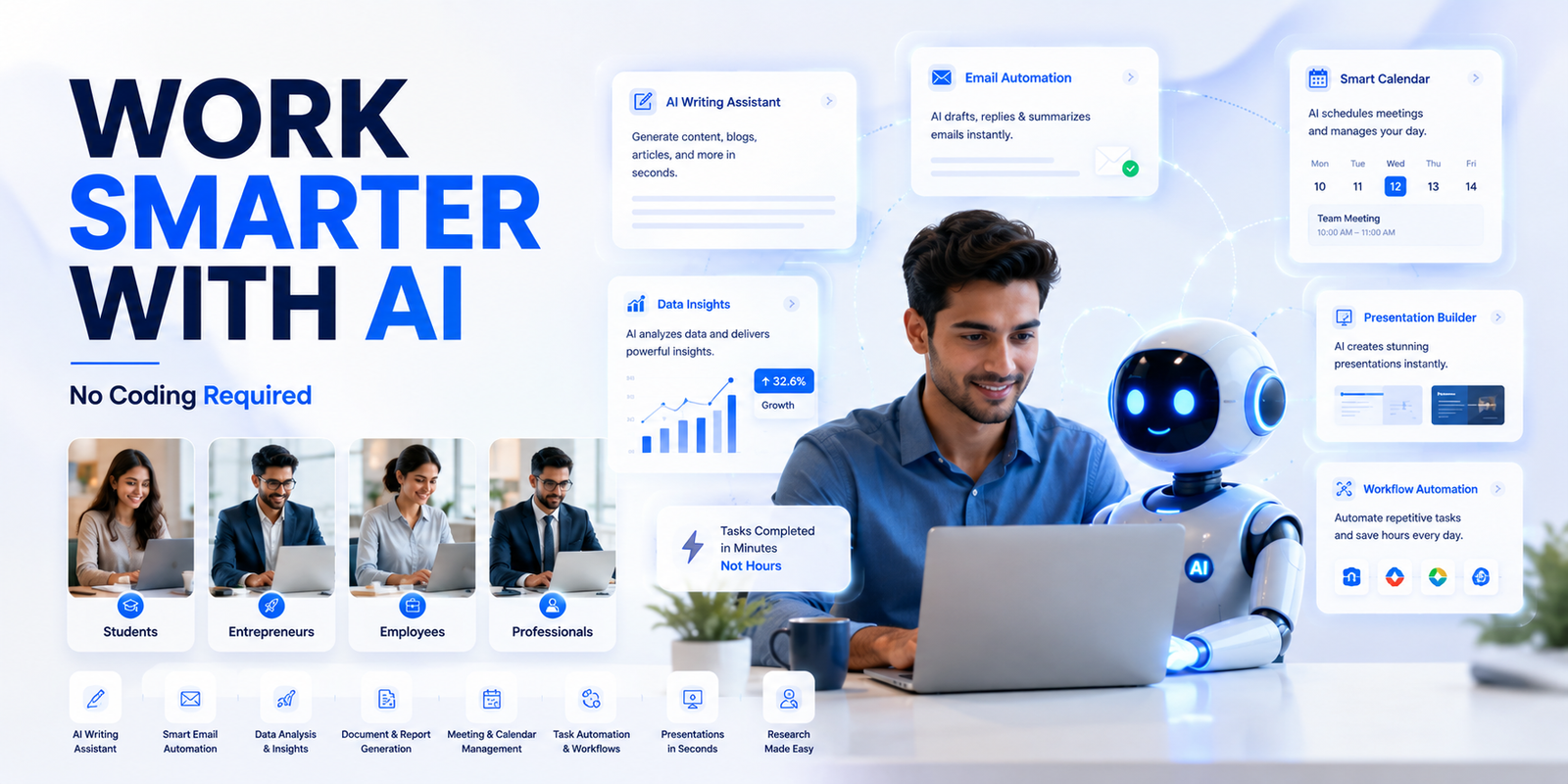
Not long ago, artificial intelligence felt like something reserved for tech wizards and software engineers working in Silicon Valley labs. Today, that story has completely changed. AI tools have quietly moved out of the lab and into everyday life — and you don't need to write a single line of code to benefit from them.
Whether you're a small business owner drowning in emails, a student juggling multiple assignments, a creative professional trying to beat the blank page, or simply someone who wants to reclaim hours in their week — AI is ready to work for you, right now, in plain English.
Research shows that knowledge workers spend an average of 28% of their workweek managing email, and another 20% searching for information they need to do their jobs. That's nearly half the week on tasks AI can handle in seconds.
The professionals pulling ahead aren't working longer hours — they're working smarter by delegating the repetitive and time-consuming to AI.
What Is AI Productivity — and Why Does It Matter?
The Core Idea
At its core, AI productivity is about delegating repetitive, time-consuming, or mentally draining tasks to a smart digital assistant. Think of it like having a highly capable colleague who never gets tired, never complains, and can switch between writing emails, summarising long documents, generating ideas, and building plans — all in seconds.
- Draft, edit, and refine written content in any tone or style
- Summarise long documents, reports, and research papers
- Answer complex questions with clear, simple explanations
- Brainstorm ideas and generate creative options on demand
- Build plans, schedules, and structured frameworks from scratch
- Transcribe and summarise meetings and voice recordings
These tools understand natural language, meaning you communicate with them just as you would with another person. You ask, they respond. No special commands, no programming languages, no tutorials needed to get started.
Use Case 1: Writing and Communication
Turn Hours of Writing Into Minutes
One of the most immediately valuable applications of AI is in writing. Drafting emails, composing reports, writing social media captions, crafting blog posts, building proposals — AI can handle first drafts in seconds.
You provide the idea or a rough bullet-point outline, and the tool does the heavy lifting. From there, you simply refine it to match your voice and context. The result is content that would have taken an hour, done in five minutes.
- Professional emails and follow-ups
- Social media posts across platforms (LinkedIn, Instagram, X)
- Business proposals and pitch decks
- Customer-facing content: FAQs, product descriptions, onboarding guides
- Blog posts, newsletters, and thought leadership articles
- Meeting agendas and post-meeting summaries
The magic isn't that AI writes better than you — it's that AI removes the blank page and the inertia. Once you have a draft, editing is fast. Starting from nothing is what kills productivity.
Use Case 2: Summarising Long Content
From Hours of Reading to Two-Minute Briefs
We're drowning in information — lengthy emails, dense research papers, hour-long meeting transcripts, sprawling news articles. AI tools can read through pages of content and hand you back a crisp, accurate summary in moments.
- PDF reports: Upload a 50-page document and get a 5-point summary
- Long emails: Paste a thread and extract the key asks and decisions
- Meeting transcripts: Get action items, owners, and deadlines pulled automatically
- Research articles: Understand complex studies without reading every word
- Legal documents: Extract key clauses in plain English (then verify with a lawyer)
Instead of spending 40 minutes reading a lengthy quarterly report, you understand the key points in under two minutes — and can ask follow-up questions in plain English for the details that matter most to you.
Use Case 3: Research and Idea Generation
Your Always-On Thinking Partner
Need ideas for a marketing campaign? Want to understand a topic you've never explored before? AI tools serve as incredibly fast research partners and brainstorming collaborators. Ask them to explain a concept, compare options, or brainstorm 20 different approaches to a problem.
- "Give me 15 content ideas for a fitness brand targeting working mothers"
- "Explain supply chain risk management in simple terms for a non-finance audience"
- "Compare the pros and cons of pricing models: flat fee vs usage-based"
- "What are the top objections customers raise when buying B2B SaaS?"
- "Help me think through the risks of expanding into a new market"
You'll have a robust launchpad in seconds rather than hours of browsing search engines, reading multiple tabs, and piecing it together yourself.
Use Case 4: Planning and Organisation
From Scattered Ideas to Structured Plans
AI tools are excellent at helping you structure your thoughts and your time. Describe a project you're working on — however vaguely — and the tool can help you break it down into clear phases, set priorities, identify dependencies, and draft a timeline.
- Breaking a large goal into actionable weekly steps
- Building a project brief from a rough idea
- Creating a content calendar from a strategy bullet list
- Structuring meeting agendas by priority
- Writing standard operating procedures from process notes
- Building checklists, workflows, and onboarding plans
For people who struggle with where to begin on a big, ambiguous task, this alone is transformative. AI gives you a starting structure — you refine it from there.
Use Case 5: Learning New Skills Faster
An Always-Available Expert Tutor
Want to learn how to negotiate better? Curious about how to read a financial statement? Trying to understand a new industry before a big meeting? AI tools can explain almost anything in simple terms, adjust the complexity to your level, and answer follow-up questions patiently and instantly.
It's like having a knowledgeable friend who happens to be an expert in whatever you need — medicine, law, finance, marketing, design — and will explain things clearly without making you feel like you should already know the answer.
Use Case 6: Creative Work
A Collaborator, Not a Replacement
Designers, marketers, writers, and educators are using AI to unlock creative directions they might not have arrived at alone. From generating fresh angles on a topic to helping you craft compelling narratives, AI acts as a creative collaborator — not a replacement for your creativity, but a partner that makes your creativity go further and faster.
- Generating campaign concept alternatives before choosing a direction
- Writing taglines, headlines, and ad copy variations at scale
- Brainstorming metaphors, analogies, and storytelling angles
- Creating structured lesson plans and learning frameworks
- Developing brand voice guidelines and tone-of-voice examples
The Best No-Code AI Tools to Try in 2026
Where to Start
The market is full of AI tools — but these are the ones most worth starting with, particularly for people with no technical background.
How to Get Started — Today
The One-Task Approach
The most common barrier isn't access or cost — most AI tools are free to start. The barrier is simply not knowing where to begin. Here's a practical approach that works for everyone.
- Step 1 — Pick one task you do regularly that takes more time than you'd like. Maybe it's writing status update emails, preparing meeting notes, or drafting a weekly report.
- Step 2 — Try one tool for that specific task for one week. Don't try to overhaul everything at once. Just one task, one tool.
- Step 3 — Notice what changes — how much time did it save? Was the output good enough with light editing? That's your signal to expand.
The professionals who get the most value from AI aren't those who hand everything over and walk away. They're the ones who use it to move faster, think broader, and do more — while staying firmly in charge of the final result. The judgment, experience, and voice that make your work yours: that's still you.
AI tools can get things wrong, miss important context, or produce content that needs a careful human review before it's shared. Think of every AI output as a very capable first draft — not a finished product. Your expertise and judgment are still what make the final result trustworthy and truly yours.
Ready to Save 5+ Hours a Week?
Join thousands of professionals who are using AI tools to do more in less time — no technical background required.
Free Beginner's Toolkit
Step-by-step guide to the best AI tools for your specific role
Ready-to-Use Prompt Templates
Copy-paste prompts for emails, reports, brainstorming, and more
Weekly AI Tips Newsletter
Practical, no-fluff AI tips delivered every week to your inbox
100% Free to Start
No credit card, no commitment — just start learning and saving time
Conclusion
AI is no longer just for developers, data scientists, or tech companies. It's for teachers, freelancers, entrepreneurs, students, executives, and anyone who wants to spend less time on the mundane and more time on the meaningful.
The tools exist. They're accessible. Most are free to start. And you already have everything you need to use them — the ability to describe what you want in plain language. That's the entire skill set required.
The productivity gains aren't theoretical. They're happening right now, for ordinary people doing ordinary work. Writers are publishing more. Business owners are responding to clients faster. Students are learning concepts more deeply. Managers are walking into meetings more prepared. The only question is when you'll start.
Pick one task. Try one tool. This week. That's all it takes to begin.