Office Automation
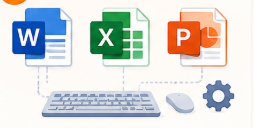
Build essential computer and office productivity skills with practical training in Windows, MS Word, MS Excel and MS PowerPoint. Learn to create professional documents, manage data and prepare effective presentations for the modern workplace.
Course Details
 Course Duration:

25 Hrs
Assessment Duration:
60 Min
Course Overview
The Office Automation coaching program helps you develop essential computer and office productivity skills required in today’s digital workplace. Learn the practical use of Windows, MS Word, MS Excel and MS PowerPoint for everyday professional tasks.
Through hands-on practice, you will learn to create professional documents, work with spreadsheets, manage information and prepare presentations. The program is designed to build confidence in using commonly used office applications.
Features

Practical Learning
Learn office applications through practical exercises and workplace-oriented examples.

Interactive Learning
Understand concepts through guided demonstrations, activities and hands-on practice.
Skill-Based Training
Develop useful skills in Word, Excel, PowerPoint and everyday computer operations.

Assessment & Practice
Test your understanding through practical exercises and assessments.

Workplace-Focused Skills
Learn applications and workflows that are commonly used in professional office environments.

Career-Oriented Learning
Build essential digital skills that can support your education, career and day-to-day professional work.
What Will You Learn in Office Automation?
Chapter 1: Introduction to Computer Applications
Learn the fundamentals of computers, operating systems and commonly used computer applications.
Chapter 2: Windows 11
Understand Windows 11 features, settings, file management and everyday computer operations.
Chapter 3: Microsoft Word for Accounting Documentation
Learn to create, format and manage professional documents using Microsoft Word.
Chapter 4: Microsoft Excel for Accounting
Learn spreadsheets, data management, formulas, calculations and Excel features used for accounting and office work.
Chapter 5: Microsoft PowerPoint for Financial Presentations
Learn to create professional presentations, organise information and present financial or business data effectively.
What’s Included
💻 Practical Computer Training
Learn essential computer and office applications through hands-on practice.
. 📄 Office Application Practice
Work with Windows 11, Microsoft Word, Excel and PowerPoint.
📊 Real-World Office Tasks
Practise document creation, data handling, calculations and professional presentations.
Requirements
Basic computer knowledge is helpful but not mandatory. The coaching is suitable for beginners and learners who want to build practical computer and office application skills.
Who Can Join & What You Gain
Students and graduates looking to develop computer skills
Beginners starting their digital and office skills journey
Job seekers preparing for office and administrative roles
Working professionals looking to improve their productivity
Business owners and entrepreneurs
Anyone who wants to improve their computer and office application skills
Practical knowledge of Word, Excel, PowerPoint and Windows
Better confidence in handling everyday office tasks
Improved workplace productivity and digital skills
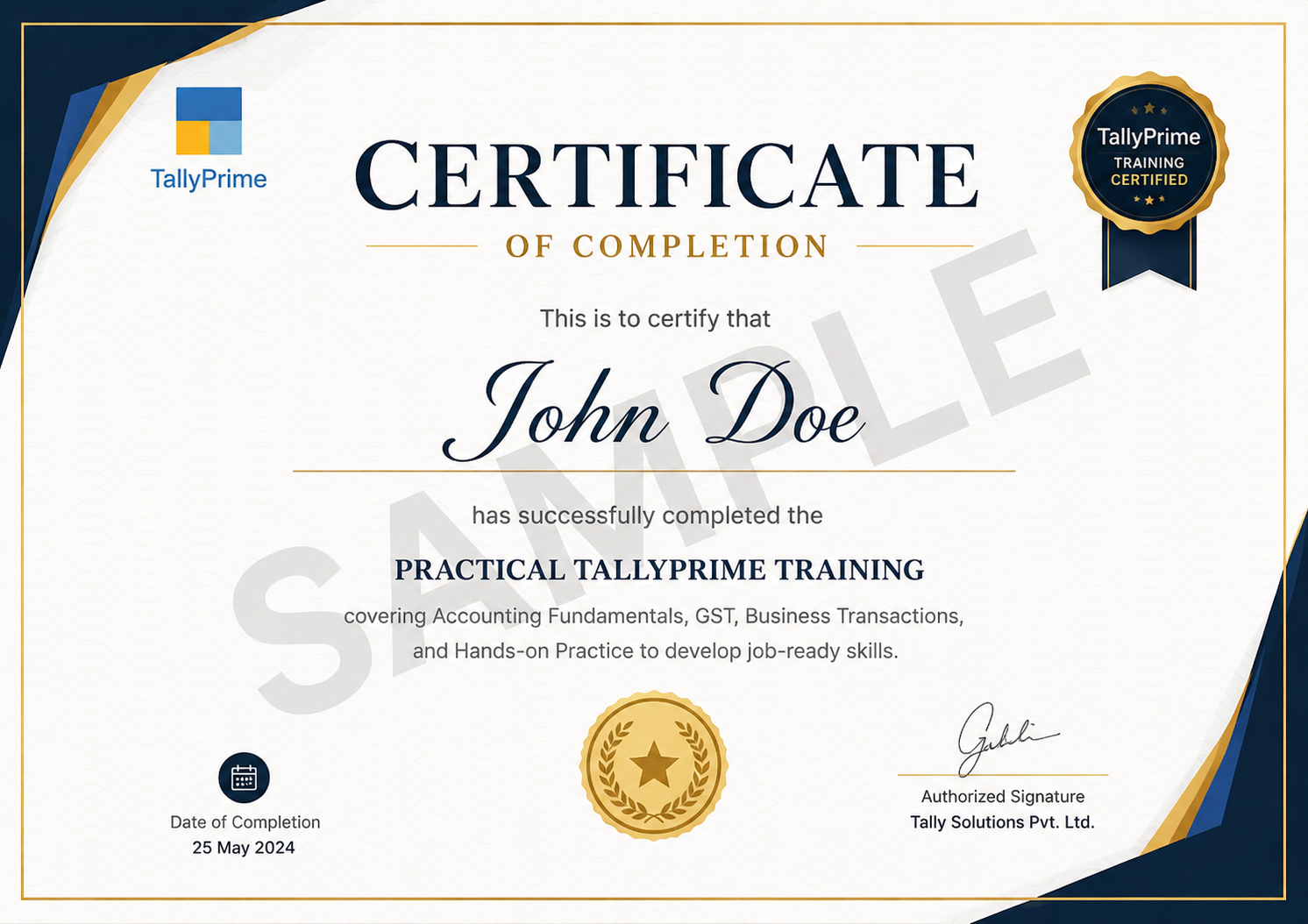
Complete Your Office Automation Training
Successfully complete the Office Automation coaching program and demonstrate your practical skills in essential computer and office applications.